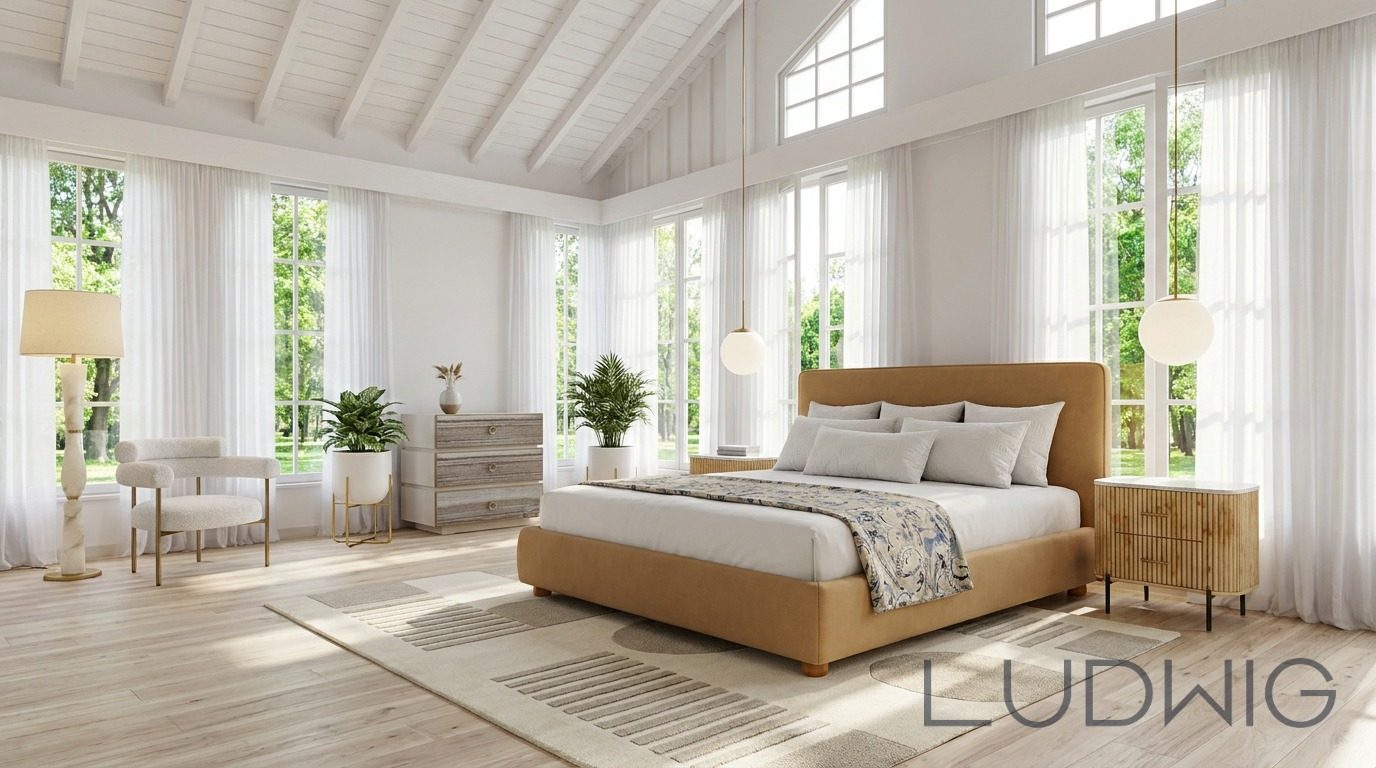
AI Living Room Design: Layouts, Styles and Real Furniture (2026)
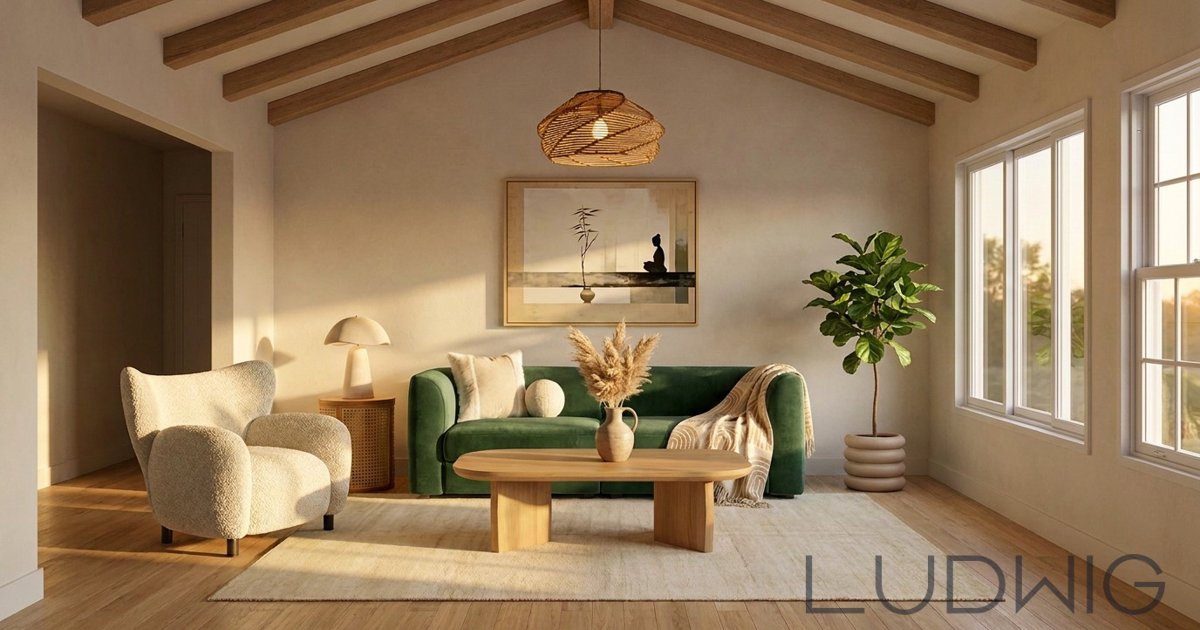
How to design a living room with AI: measure, pick a layout, find your style and turn the render into real furniture you can buy, with live stock status.
The living room is the hardest room to get right. It has to hold a sofa, seating for guests, a place for the TV or a view, lighting for evenings and a path people can walk through. AI living room design makes this faster: you describe the room, share a photo or a few inspiration images, and see a finished design in minutes instead of weeks.
This guide walks through the steps that make an AI living room design actually work, and how to turn the image into real pieces you can order.
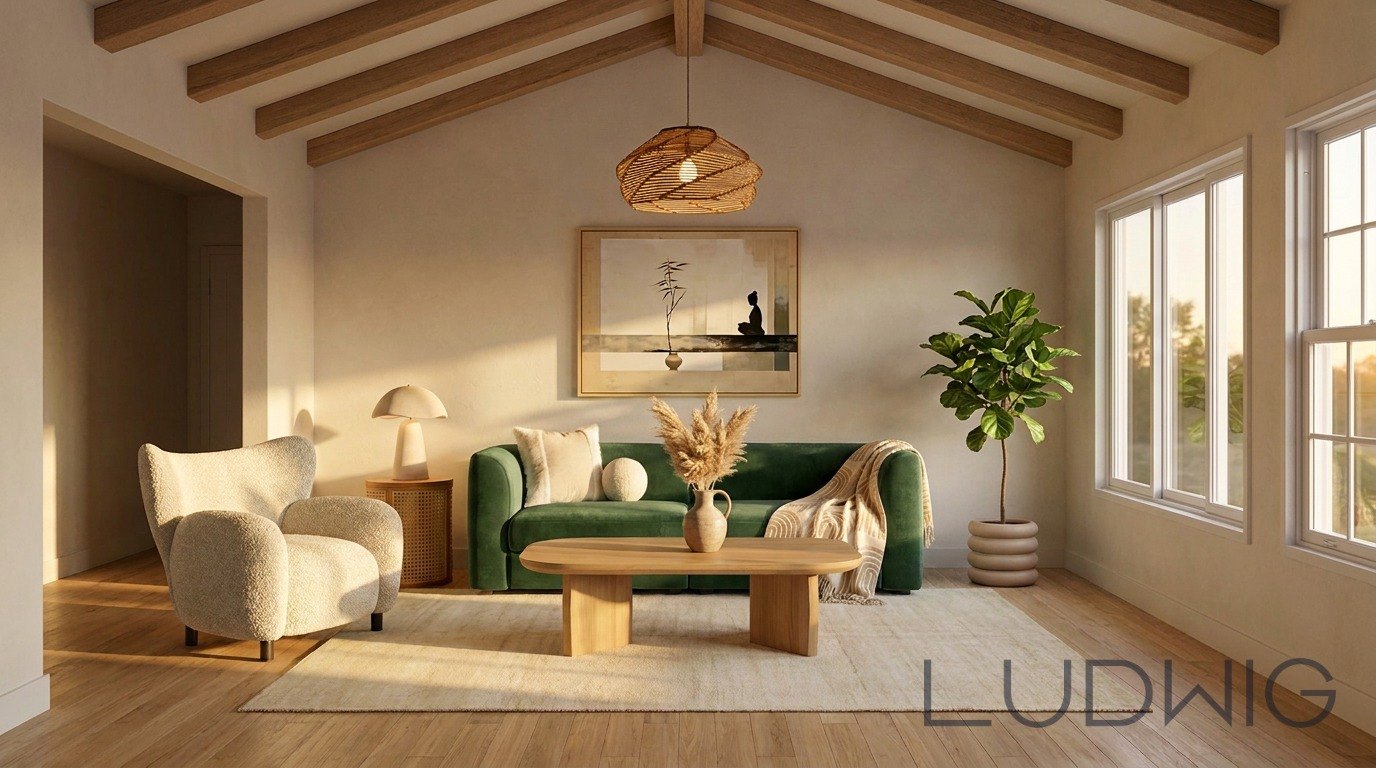
In this Ludwig living room design, a green sofa, cream textured chair and wood coffee table bring colour and natural texture into a room with exposed ceiling beams. The rug groups the seating without filling every corner.
Step 1: Measure Before You Design
AI is only as accurate as what you tell it. Write down the room's length and width, ceiling height, and where the windows, doors, radiators and outlets are. Note anything that can't move, like a fireplace or built-in shelving.
- Leave about 30–36 inches (75–90 cm) for main walkways.
- Keep 14–18 inches (35–45 cm) between the sofa and coffee table.
- A rug should be large enough that at least the front legs of every seat sit on it.
Step 2: Pick a Layout
Most living rooms fit one of four layouts. Tell the AI which one you want, or ask it to compare two.
Facing Sofas
Two sofas or a sofa and two chairs face each other across a coffee table. Best for conversation and rooms with a fireplace.
L-Shape
A sectional or sofa plus chair forms an L. Best for open-plan rooms where you need to define a living zone.
Media-Focused
Seating faces one wall with the TV. Best for family rooms. Keep the viewing distance roughly 1.5 times the screen's diagonal.
Floating Layout
Furniture is pulled off the walls with a console behind the sofa. Best for larger rooms that feel empty when everything hugs the edges.
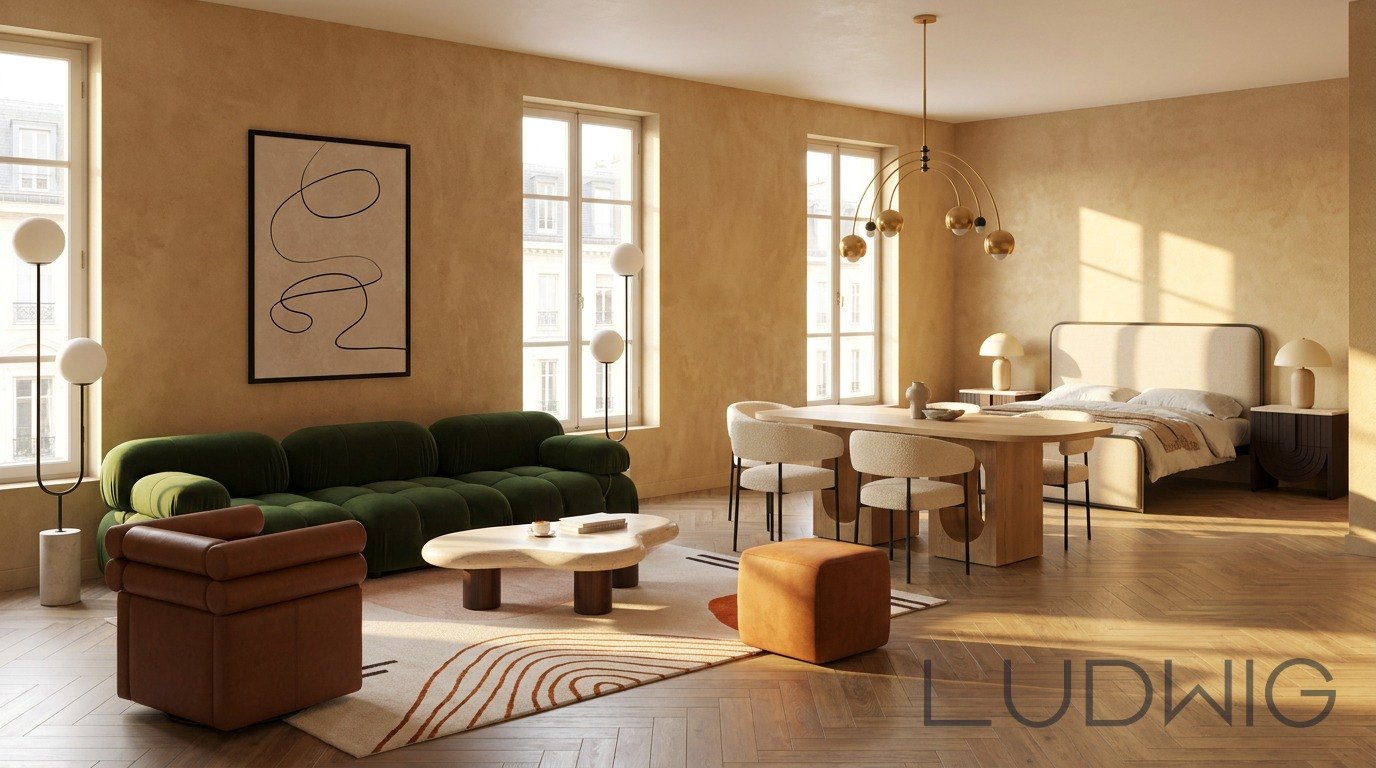
This open-plan Ludwig design places a green sofa and terracotta seating around a rug to define the living area beside dining and sleeping zones. It is a useful reference for seeing how one palette can connect several functions in a studio apartment.
Step 3: Find Your Style
You don't need to know the name of your style. Most people find it faster by showing than by describing. With Ludwig, you can connect a Pinterest board or upload any image, such as a hotel lobby, a painting or a photo from a trip, and the AI reads the colours, materials and mood to design from it.
If you prefer words, describe three things you love and three you dislike. For example: "warm oak, boucle, soft curves; no glass tables, no grey, nothing glossy."
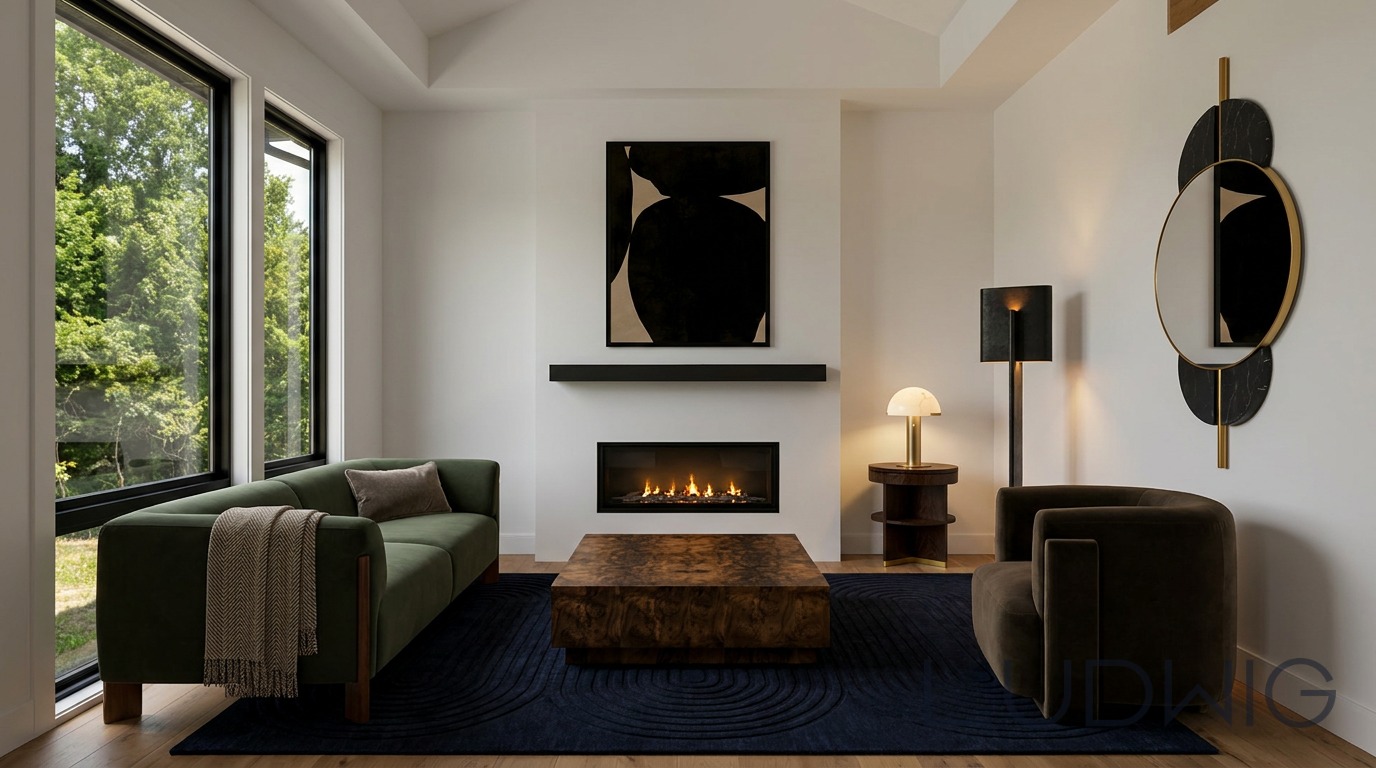
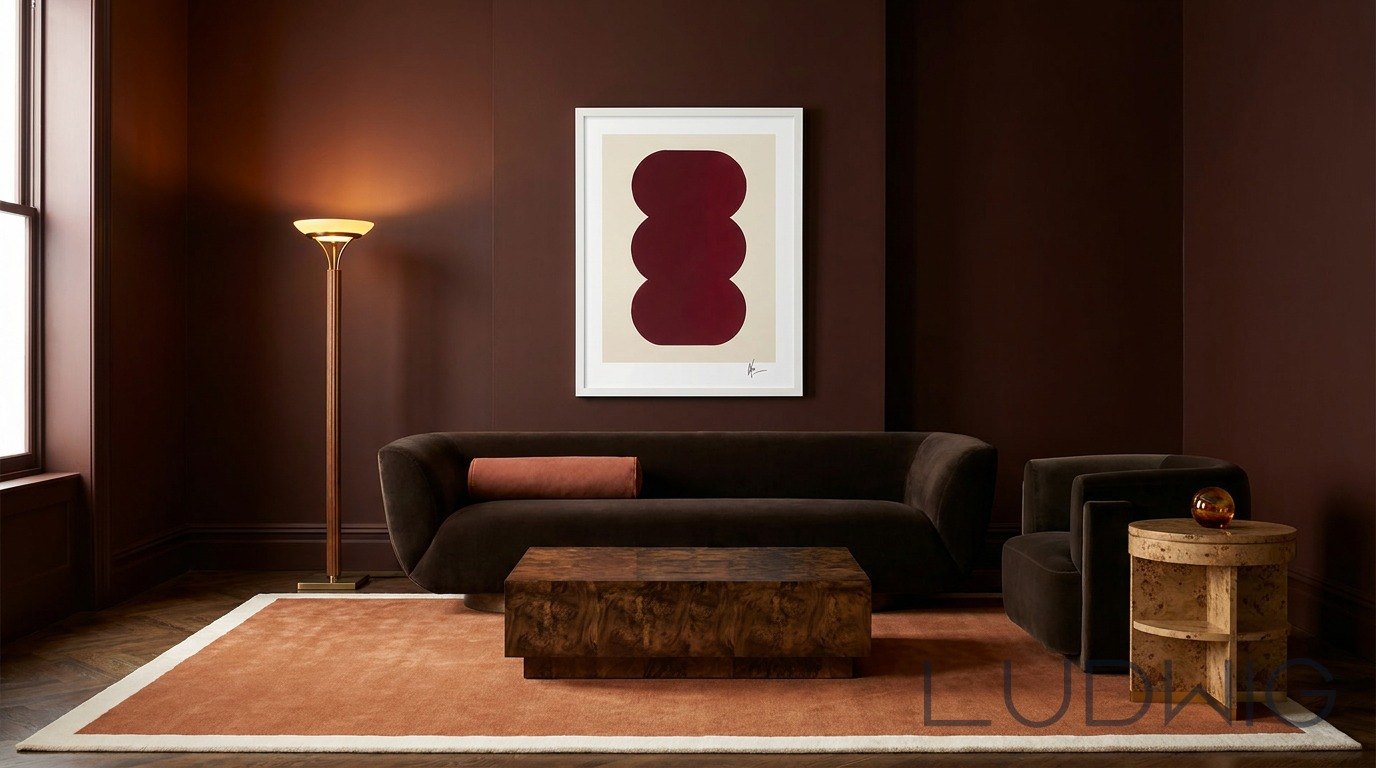
For a richer direction, Collected Instinct by Ludwig pairs deep oxblood walls with curved dark seating, a burl-grain coffee table, a brass floor lamp and graphic artwork. Compared with the lighter references above, it shows how AI interior design can explore a more dramatic palette while keeping the seating arrangement simple.
Step 4: Set a Real Budget
Give the AI a total and let it split the budget. A common split for a living room is roughly 35–40% on the sofa, 15% on the rug, 15% on accent seating, 10–15% on tables, 10% on lighting and the rest on decor. Use our home budget calculator if you're furnishing more than one room.
Step 5: Turn the Render Into Real Furniture
This is where most AI living room design tools stop. They show a beautiful picture, but the sofa doesn't exist and you're left hunting for lookalikes. Ludwig designs with real products from 300+ vendors, showing retail prices and live stock status (in stock, quantity available or out of stock), so the room you see is a room you can order.
Common AI Living Room Design Mistakes
- Ignoring scale. A deep sectional can swallow a small room. Always check dimensions.
- Too many styles. Pick one main direction and one accent.
- Only overhead lighting. Ask for at least three light sources: a floor lamp, a table lamp and ceiling or wall light.
- Forgetting storage. A media console or sideboard keeps the room calm.
Bottom Line
AI living room design is the fastest way to test layouts and styles before you spend money. Start with accurate measurements, show the AI what you love, and choose a tool that connects the design to real products. Try Ludwig: your first 20 designs are free.